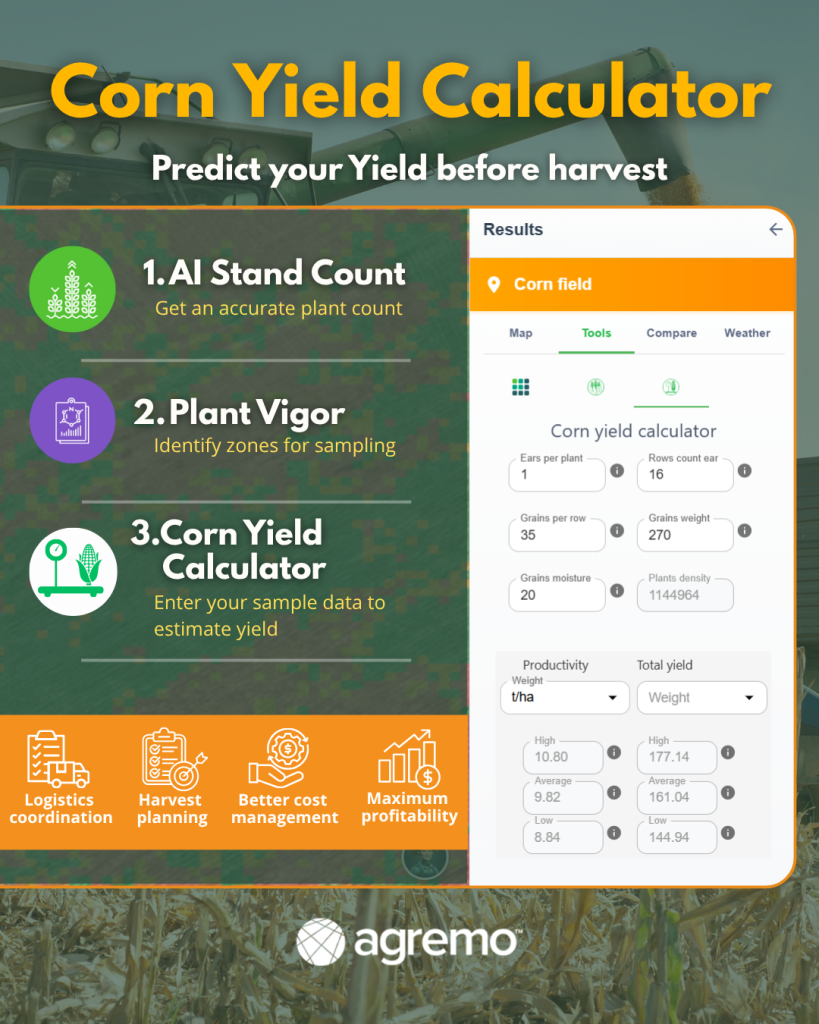
The Agremo web app offers you the possibility to import data via a public URL. Importing data via a public link allows you to speed up your daily routines.
Map upload via public URL
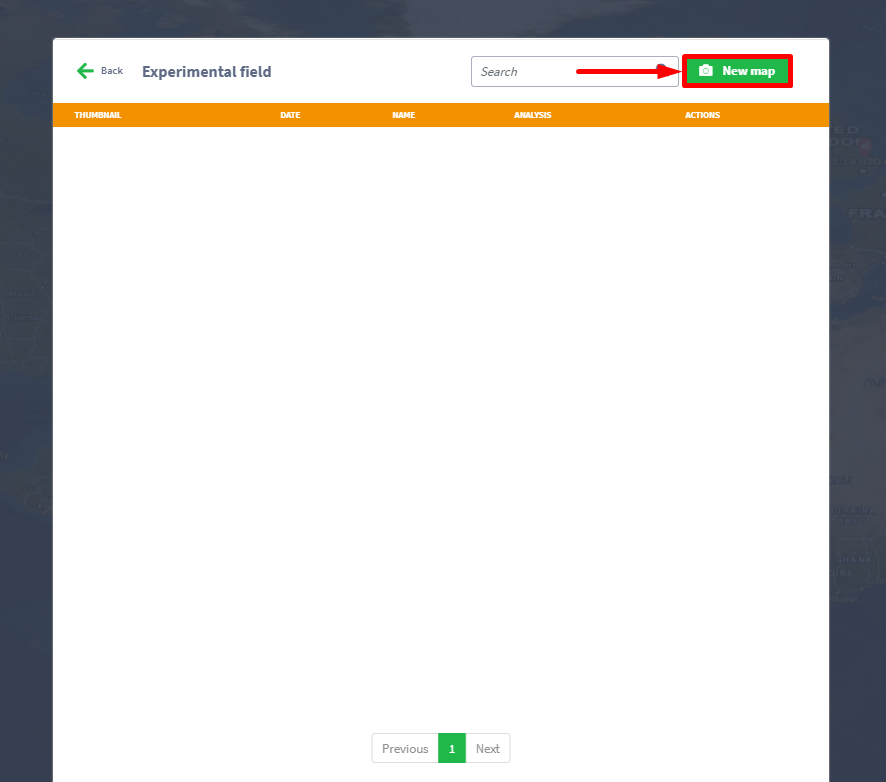
STEP 1
Click on the New map button.
Step 2
Choose Import via public URL, and copy URL to the text box Import from URL and click save button.
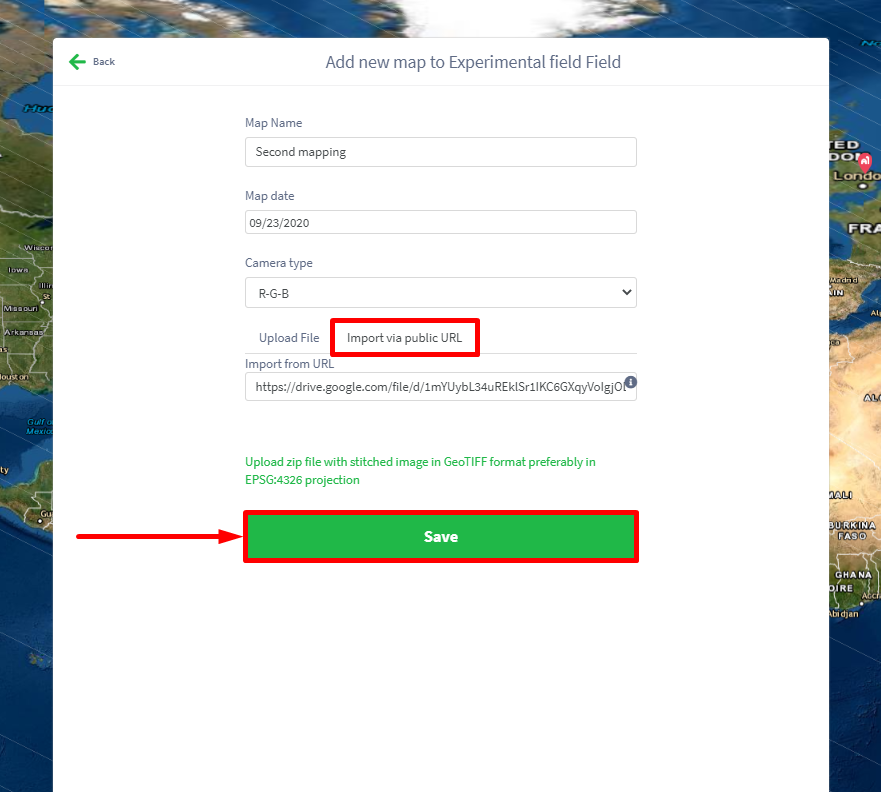
NOTE: Only public URL pointing to zip or tif images.
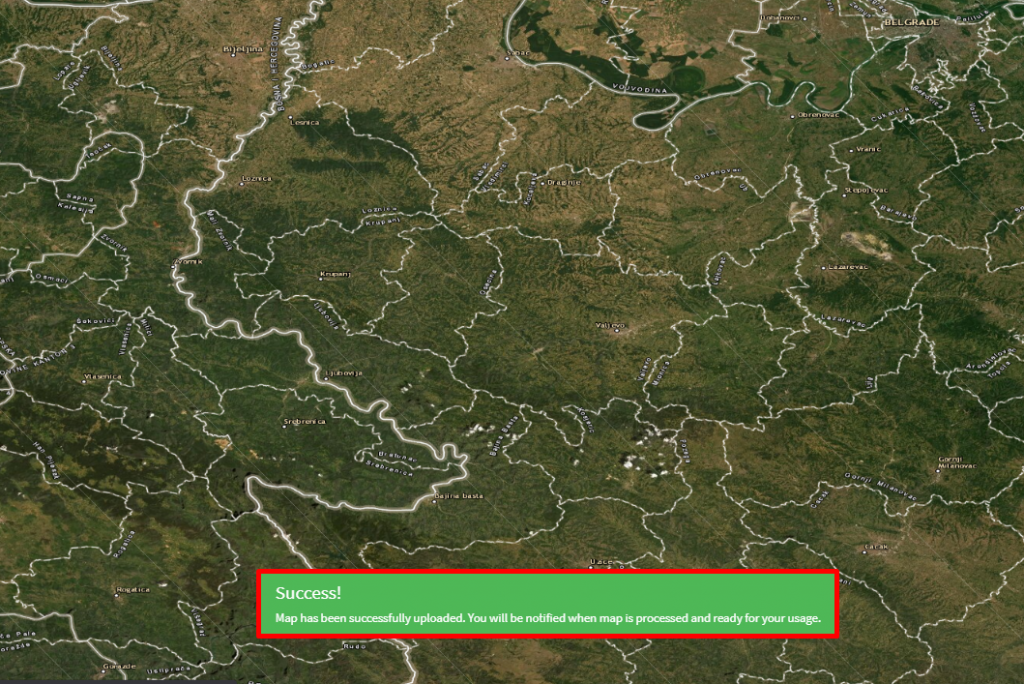
Finally, a success message will appear on your screen.
Import KML/Shape via public link
Step 1
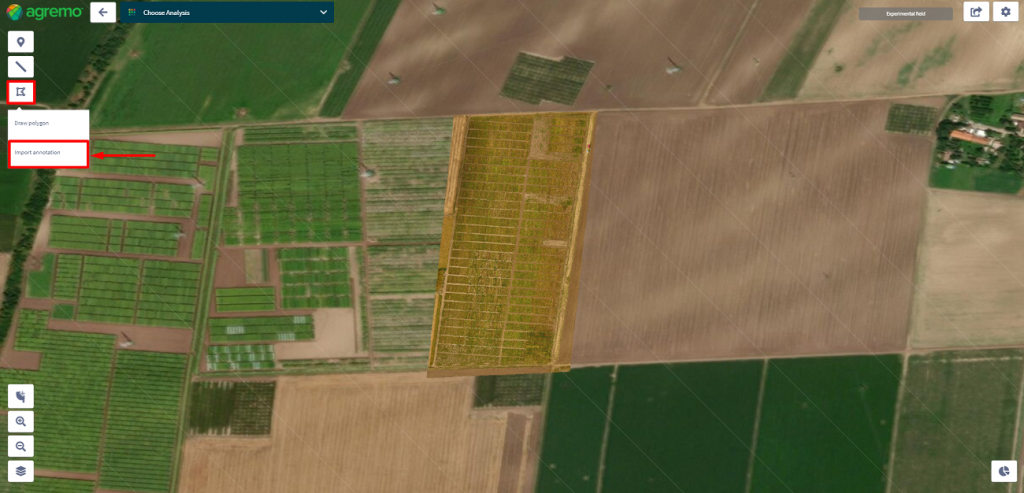
Click on the Area button on the left side of a screen and in the dropdown menu select Import annotation.
Step 2
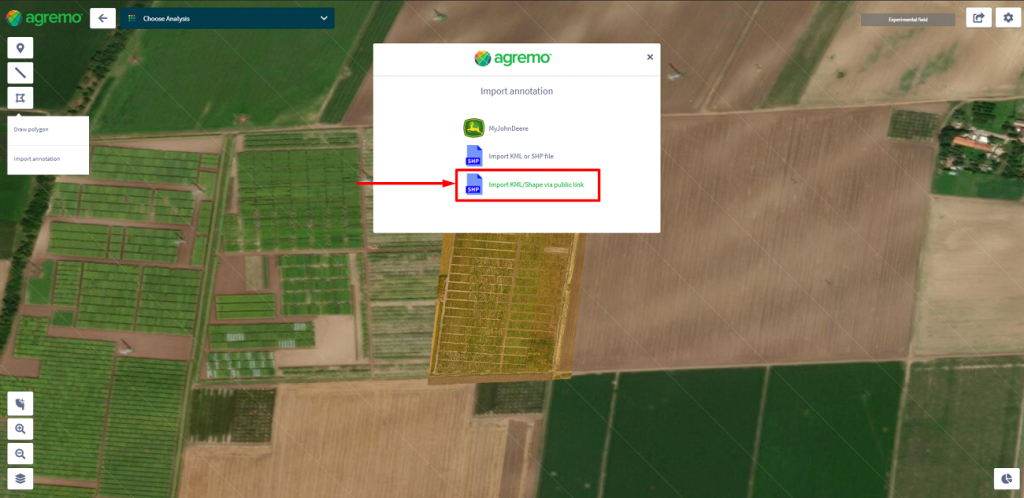
Click on Import KML/Shape via public link.
Step 3
Copy URL to the text box Public URL Link to annotation files and click the Upload button.
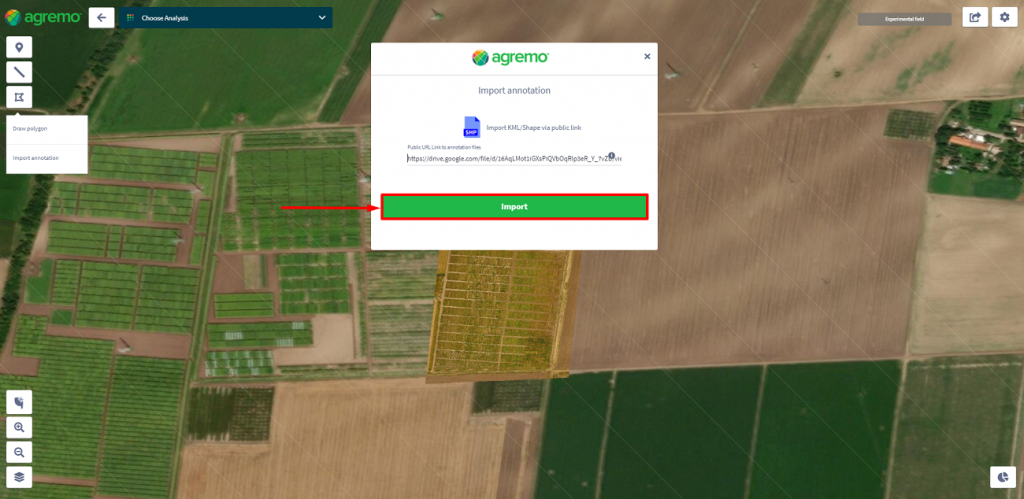
NOTE: Provided URL must be publicly available and point directly to the zip file with annotation data.
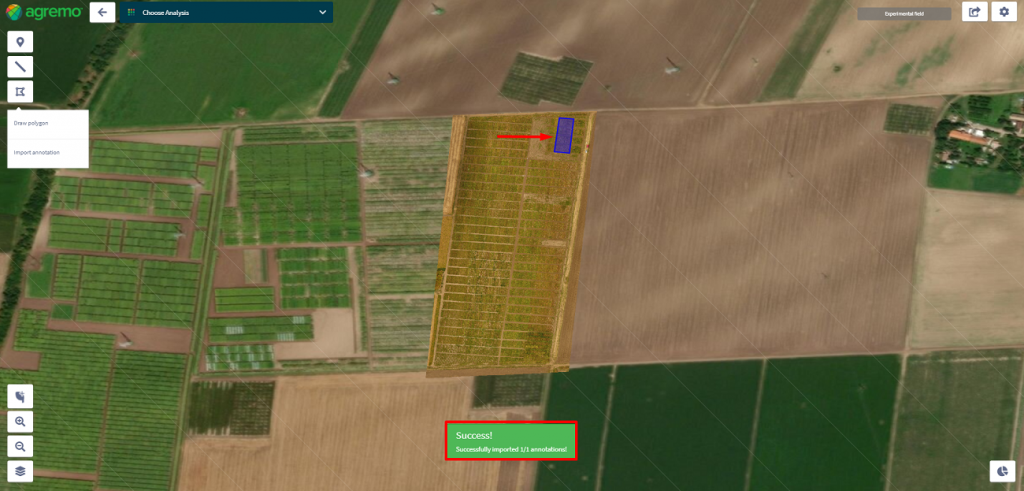
Finally, a success message will appear on your screen.
Contact us for more information.