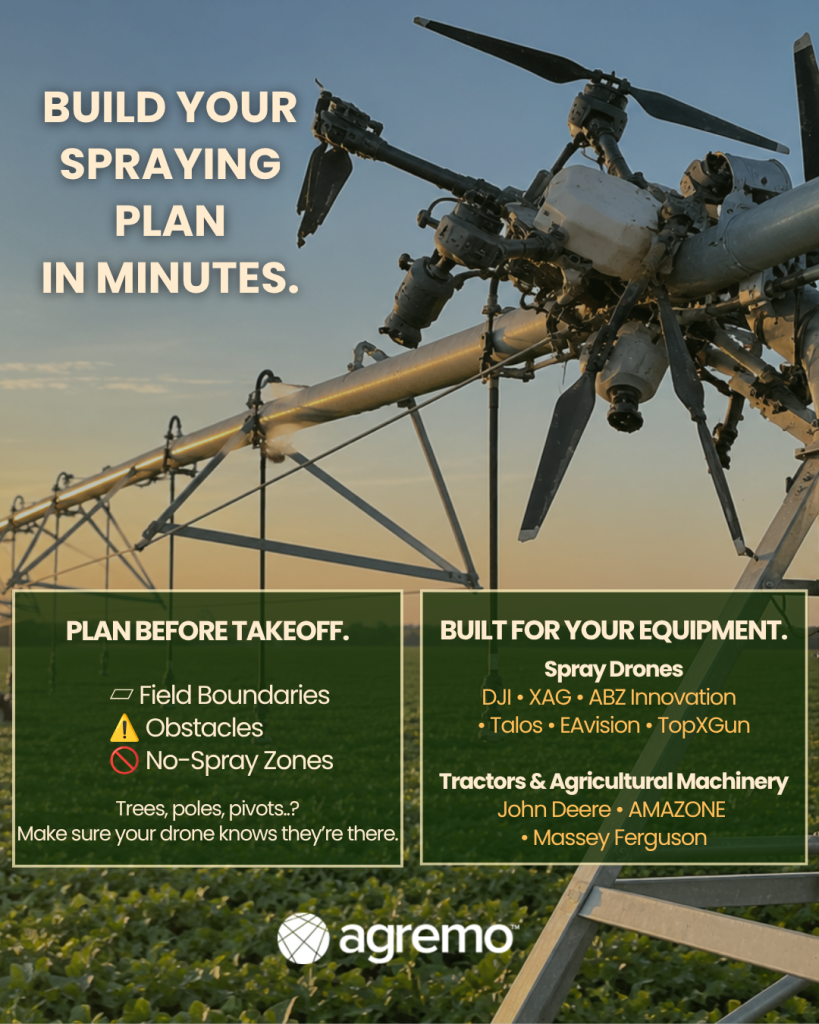

Unlock field insights with our Elevation Tool. Analyze your fields and crops using high-resolution Digital Elevation Models (DEM) to identify slope variations, drainage patterns, and micro-topography. Optimize irrigation, planting, and crop management by making data-driven decisions based on precise elevation data.
Unlock field insights with our Elevation Tool. Analyze your fields and crops using high-resolution Digital Elevation Models (DEM) to identify slope variations, drainage patterns, and micro-topography. Optimize irrigation, planting, and crop management by making data-driven decisions based on precise elevation data.
Don’t let terrain hold back your yield.
Spot low-lying and high-elevation areas to optimize fertilizer, irrigation, and crop management across every field.
Maximize Fertilizer Efficiency – Apply the right amount in the right place. Reduce over-application in high-elevation zones and target nutrients to low-lying areas where crops need them most.
Optimize Irrigation & Crop Health – Adjust irrigation based on slope and terrain to prevent water stress, improve plant health, and boost yields.
Reduce Input Costs – Save on fertilizer, water, and labor by making data-driven decisions for every field.
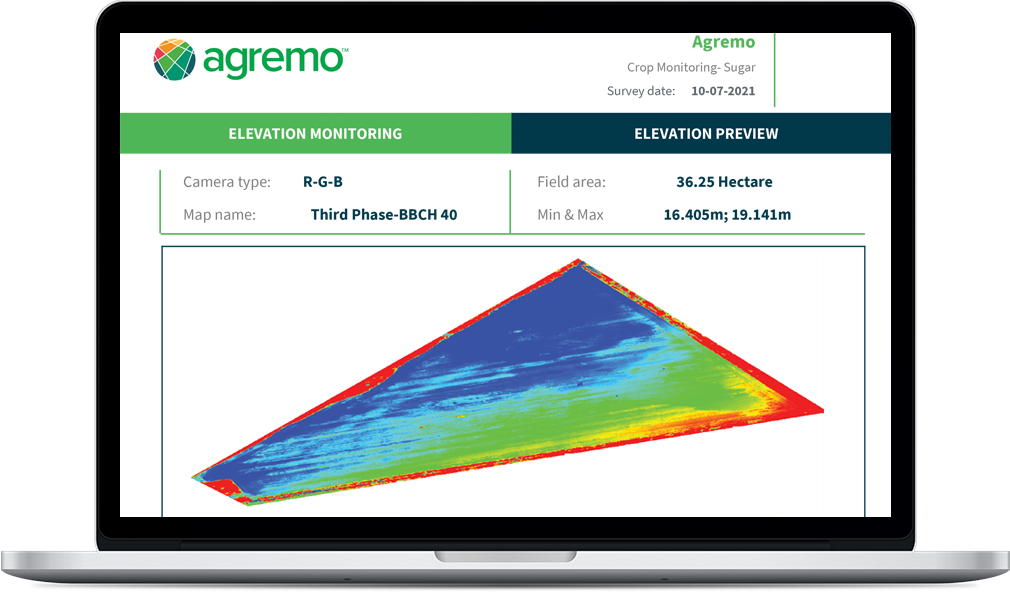
Agremo’s Elevation Report provides a clear overview of your field’s terrain, showing minimum and maximum elevation points with an intuitive map visualization. Identify low-lying and high-elevation areas at a glance and use these insights to optimize irrigation, fertilizer application, and overall crop management. Make data-driven decisions for every part of your field with precision and confidence.
The Elevation Tool is available within Agremo’s Crop Monitoring and Field Trials products once your raw field images are uploaded and stitched into a complete, high-resolution field map. This essential step unlocks full access to precise Digital Elevation Models (DEM), allowing you to visualize terrain variations, spot low-lying and high-elevation zones, and make data-driven decisions for irrigation, fertilizer application, and crop management.


Create your FREE account and instantly unlock all analyses and precision agriculture tools. Start exploring your field insights today.