
Overview
Branding your professional reports starts when you add your company logo to your Agremo dashboard. This feature allows you to personalize every analysis and field report you generate. Therefore, your clients and partners will immediately recognize your brand on every document. By following this guide, you can quickly add your company logo and ensure your agricultural business looks professional.This feature is available to enterprises only.
Format Guidance to Add Your Company Logo
Before you add your company logo, you must ensure the file meets our specific requirements. First, prepare your image in a PNG format. Specifically, the dimensions should be 628x132px, and the maximum file size is 5MB. Consequently, following these guidelines will prevent any distortion.
How to do?
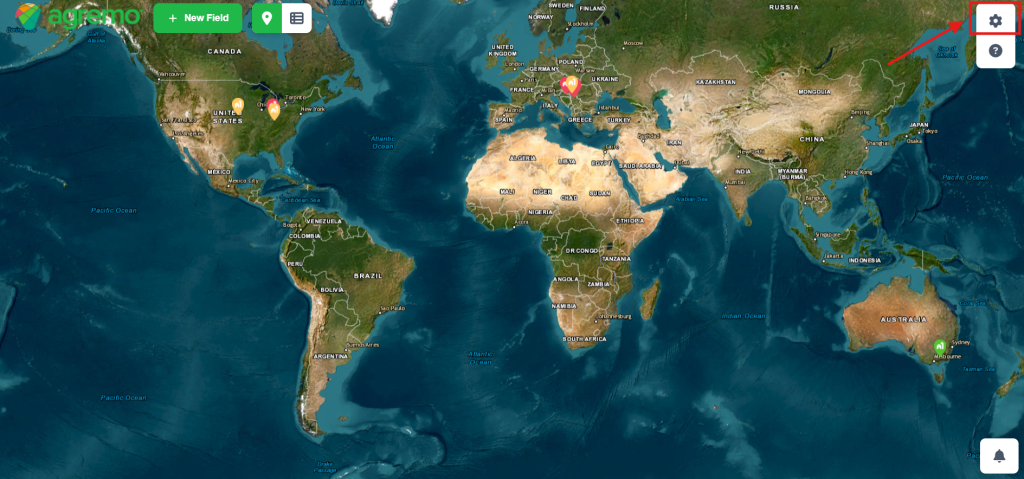
STEP 1
Go to Settings, in the upper right corner.
STEP 2
Access your Company options.
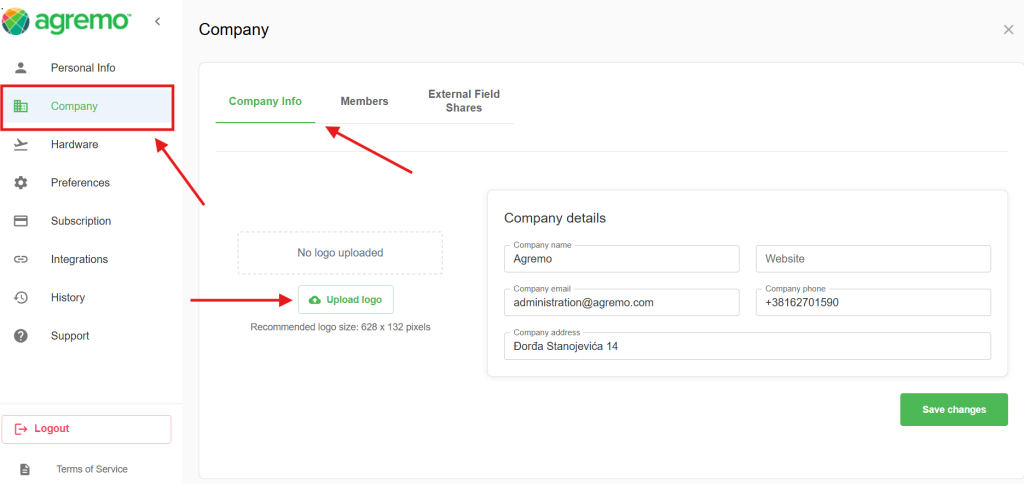
STEP 3
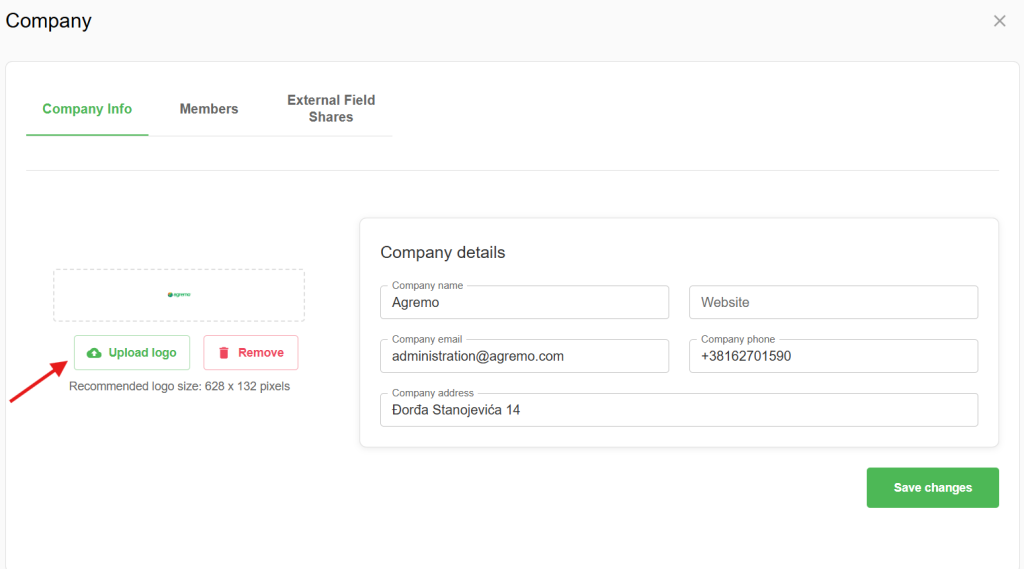
Upload the logo. Please keep in mind to follow the format guidance: PNG format (628x132px). Max. size 5MB.
After that, click the SAVE CHANGES button.
 STEP 4
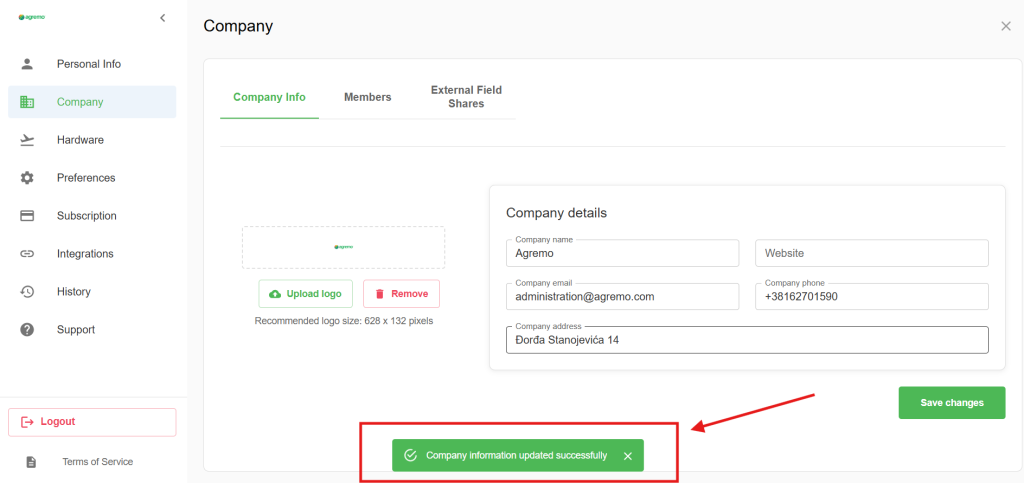
 STEP 4
With this step, you have successfully updated your company logo.
Where Will Your Logo Appear?
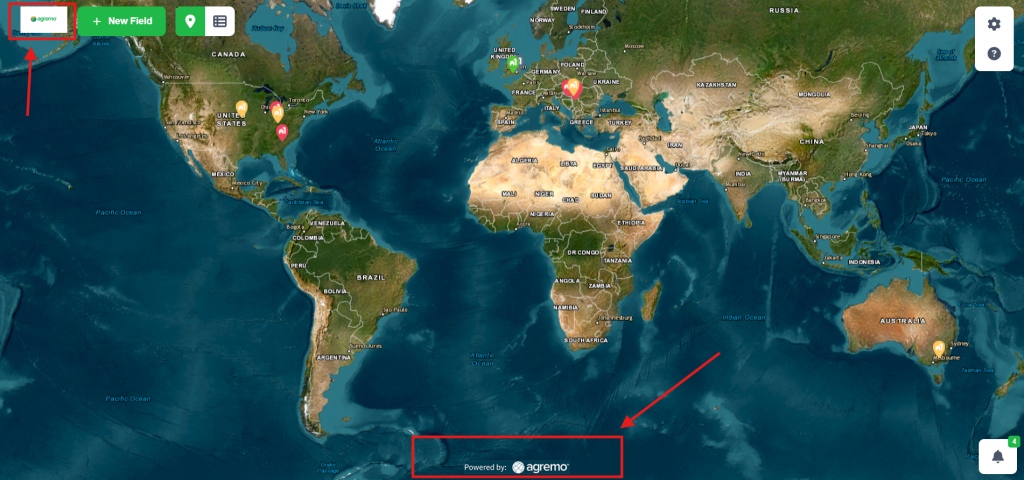
On your dashboard…
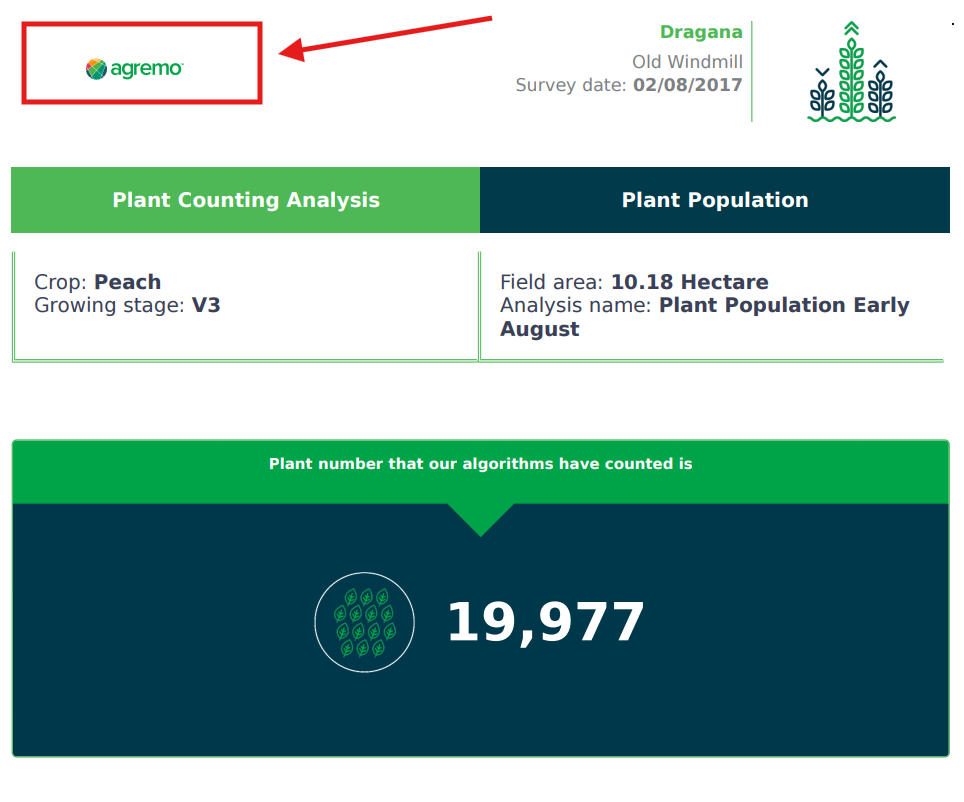
On your professional reports.
Benefits
Why is it important upload your business branding? Mainly because it builds trust with your stakeholders and clients. In addition, customized reports are much easier to organize when working with multiple organizations. As a result, you save time and improve your professional image. Thus, every time you add your company logo to a new workspace, you ensure visual consistency in your precision farming business.